How to organise your desk: order, cables and storage
- How to organise your desk: order, cables and storage
- Start with an empty top
- Keeping small things in place: tray, shelf, organiser
- Hiding behind a front: drawers and closed storage
- Cable management: taming the wires
- Storage beside the desk
- A system that holds itself
- Questions that come up most often
How to organise your desk: order, cables and storage
A cluttered desk tires you before you've even sat down: your eye snags on a dozen small things, and your hand hunts for the mouse among the papers. Order here isn't about looking good in a photo — it's about being able to sit down and start straight away. So let's work through how to organise your desk so it stays tidy on its own, without daily heroics.
The secret is simple: everything has its place, and only what you use every day stays in view. Step by step below — from a clear top to cables and storage close at hand.

Start with an empty top
The most effective move isn't buying an organiser — it's clearing the desk completely and putting back only the essentials: laptop, lamp, notebook, one cup for pens. The rest — spare stationery, cables, old papers — goes into a drawer or nearby. Empty space around your hands isn't wasted space; it's what gives your head clarity. When a desk starts from a blank slate, keeping it that way is easier.
Then arrange what you return by zones. Keep the centre in front of you free for work; what you touch every minute — pen, phone — goes under your working hand; what you need rarely moves to the edge or into a drawer. This simple "more often — closer" logic saves dozens of small movements a day and stops the desk cluttering up again.
Keeping small things in place: tray, shelf, organiser
Whatever stays on the desk needs somewhere to "live". A built-in logic works best: a low lip or shelf along the back edge gathers pens, notes and phone into one line, stopping them spreading across the top. That's the difference between "things lie around" and "things stand in their place" — and it's what holds order effortlessly.

Separately, set up one "inbox" tray — a place where every paper that appears during the day lands. Until they have a permanent home they spread across the desk in piles; once they do, the desk stops accumulating them, and clearing the tray once a day takes a couple of minutes.
Hiding behind a front: drawers and closed storage
Anything you need at hand but that shouldn't sit in view hides in a drawer. One wide drawer under the top holds chargers, documents and small stationery — and the desk instantly looks composed, even if there's a little chaos inside. That's the main advantage of desk storage behind a front: order shows, mess doesn't.
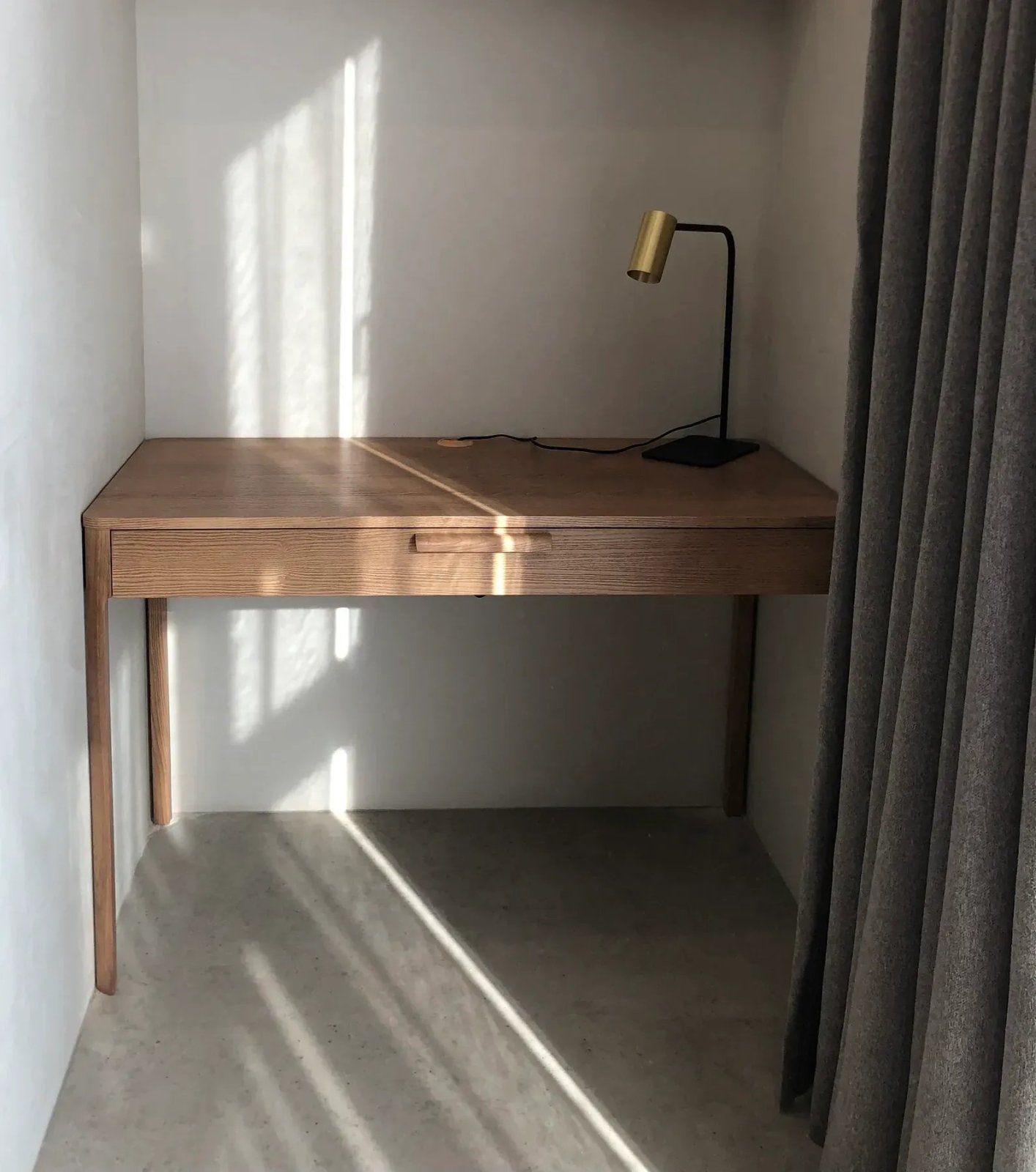
Cable management: taming the wires
Wires spoil even the tidiest desk, so they deserve separate attention. A few simple rules save the day: fix the extension lead under the top rather than leaving it on the floor; gather excess cable length into a tie or a channel; bring what you use daily (the phone charger) out to one point on the edge — so you're not hunting for it each time. The main rule of cable management is simple: no wire should hang loose or run across a walkway.
If there's a lot of gear, one power strip fixed under the top helps: all the plugs hide beneath the desk and only what you actually need comes up top. Set it up once and you never go back to the tangle of wires underfoot.
Storage beside the desk
When the desk has few drawers, storage moves beside it. A low desk organiser or a closed cabinet to the side takes everything that won't fit on the top, and doubles as an extra surface. If there are a lot of papers and things, a chest of drawers works well nearby: the drawers take on the archive and the tech, and the desk stays free for work.
A system that holds itself
Order lives not through big clear-outs but through a small habit: at the end of the day, return each thing to its place — 60 seconds, and tomorrow you sit down to a clean desk. When everything has a "home" — drawer, shelf, tray — keeping it up becomes almost automatic. And you can choose a desk with storage logic already built in from the writing desks selection.
Questions that come up most often
How do I quickly tidy a desk? Take everything off, put back only what you use every day, the rest into a drawer or nearby. After that it's easy to keep up.
What should stay on the desk, and what should be hidden? In view — laptop, lamp, notebook, pens. In the drawer — chargers, documents, spare stationery, cables.
How do I hide wires on a desk? Extension lead under the top, excess length into a channel or tie, daily cables out to one point on the edge. Nothing should hang into a walkway.
Where do I put things if there are few drawers? Put a cabinet, shelf or chest of drawers beside the desk — they take the archive and tech, and the desk stays free.


